Velorix
Choosing an H200 AI server manufacturer takes more than comparing processor counts or advertised performance. An H200 system must fit the workloads, facility, and operating budget it will actually face. Check the proposed GPU configuration, memory, interconnects, and storage against your model sizes and expected throughput. Then ask practical questions: Can the rack support the server’s power draw? How will the manufacturer manage heat, noise, and service access? A detailed answer is more useful than a glossy product sheet.
Jensen Huang, NVIDIA’s founder and CEO, has said, “Accelerated computing is sustainable computing.” That perspective makes efficiency and utilization worth examining alongside raw speed. It does not, by itself, tell you which supplier to choose. Request concrete evidence: thermal test results, burn-in procedures, firmware update policies, warranty terms, and references from customers running comparable workloads. A polished datasheet can still hide a difficult deployment. Small details matter.
This guide outlines how to assess an h200 ai server manufacturer across engineering capability, component sourcing, system integration, and after-sales support. Compare the complete configuration, not just its headline GPU specification. Ask who handles diagnostics when a node fails at 2 a.m., and how replacement parts reach your site. The right choice depends on your constraints, and sometimes the trade-offs are less tidy than a checklist suggests. Use the questions ahead to identify what deserves proof, what needs clarification, and what your team can realistically operate.
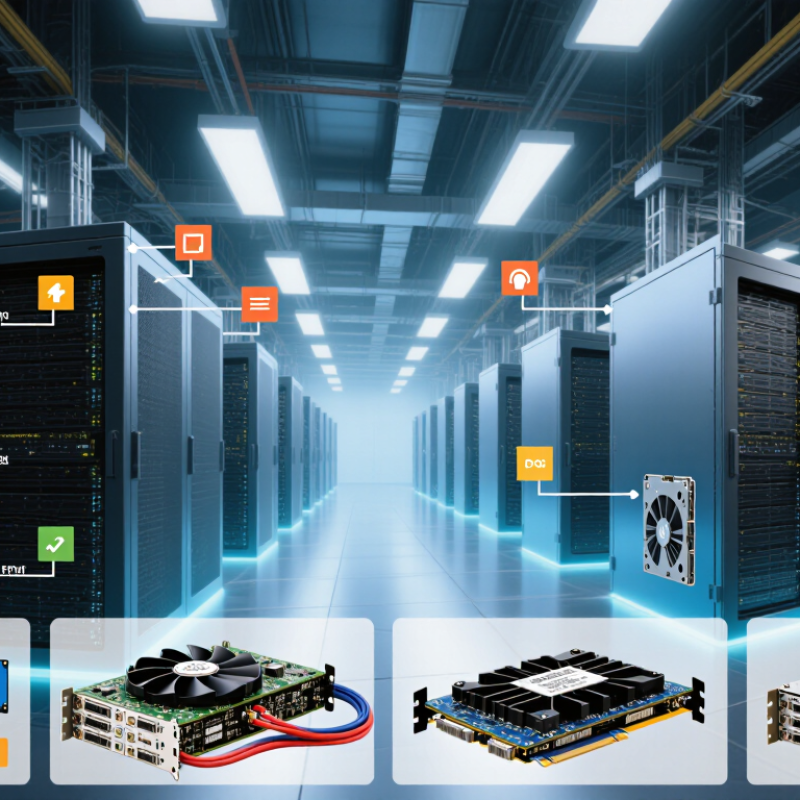
Start by identifying the work the server must handle. Training large models, running inference, and processing scientific workloads place different demands on hardware. Estimate the number of H200 GPUs, expected utilization, and the size of the datasets moving through the system. Be specific: a single development node has different needs from a rack serving multiple teams. That matters. Check GPU memory requirements, high-speed connections between GPUs, and network bandwidth to shared storage. If data arrives slowly, expensive compute capacity may sit idle.
Next, confirm the physical and operational limits of your site. Record available rack space, power capacity, cooling method, and network connections before requesting a configuration. Dense GPU servers can require substantial power and careful airflow planning; ask manufacturers for measured power figures under realistic workloads, not just peak estimates. Also define requirements for storage, operating-system support, remote management, warranty response, and replacement parts. Ask how configurations are tested and what documentation is supplied. It is easy to over-specify a system before workloads are measured. I would leave room for uncertainty, but not skip the measurements. A clear requirement list makes manufacturer proposals easier to compare and helps reveal trade-offs in performance, cost, and deployment time.
Assess engineering, not just quoted specifications. An H200 server concentrates substantial compute, heat, and power in a small rack footprint. Ask the manufacturer for sustained-load test results, not only peak benchmark scores. Request rack-level power diagrams, thermal maps, and cooling-system limits. Real proof matters. Check whether tests reflect your intended ambient temperature and workload mix.
Lawrence Berkeley National Laboratory’s 2024 United States Data Center Energy Usage Report estimates data centers used 176 TWh in 2023, or 4.4% of US electricity. It projects 325–580 TWh by 2028. Those figures make power and cooling design practical selection criteria, not minor details.
Inspect how engineers handle thermal throttling, power excursions, and component failures. Ask to see burn-in procedures, firmware update controls, and telemetry from a full-rack test. Confirm that sensors report useful details, such as inlet temperature, fan speed, and power draw. Review service access too: a difficult-to-replace pump or cable can extend downtime. I would not accept a polished efficiency chart without its test conditions. I may be giving cooling evidence extra weight, but dense AI systems leave little room for vague claims. Ask the engineering team to explain one failed test and what changed afterward. Their answer can reveal more than a flawless presentation.
How to Choose an H200 AI Server Manufacturer?
Verify component quality, supply, and customization before comparing prices. Request a bill of materials with exact memory, storage, network, and power specifications. Ask how each system is tested, including burn-in duration, temperature monitoring, and firmware checks. Small details matter. Confirm that test records and component serial numbers are traceable. A polished datasheet alone is not proof; I would want to see a sample acceptance report.
Power and cooling deserve equal scrutiny. The Lawrence Berkeley National Laboratory’s 2024 United States Data Center Energy Usage Report estimates that US data centers used 176 terawatt-hours in 2023, with demand potentially reaching 325–580 terawatt-hours by 2028. That forecast makes it important to verify measured server power draw, inlet temperature limits, and cooling requirements under sustained AI workloads. Ask suppliers to document lead times and allocation dates for critical components, not just provide a general delivery estimate. Supply promises can change.
Tips: Share your rack dimensions, available power, cooling method, and workload before requesting a custom build. Put configuration, delivery milestones, and acceptance tests in writing. Then ask what changes if a component becomes unavailable. Customization helps, but extra options can complicate support; that trade-off is easy to underestimate.
When choosing an H200 AI server manufacturer, ask for a written acceptance-test plan, not just a factory checklist. It should show sustained GPU-load results, memory error checks, interconnect validation, and temperatures recorded under realistic rack conditions. For liquid-cooled systems, request flow and leak-test records too. Uptime Institute’s 2024 Annual Outage Analysis reported that 54% of respondents’ most recent significant outages caused direct losses above $100,000. That makes tested stability a purchasing issue, not paperwork. Keep the test evidence.
Support quality shows up after installation. Ask who answers urgent cases, how issues escalate, and whether replacement parts are stocked near your site. Get response targets in writing, including weekends and holidays. A fast reply is not the same as a repair; clarify expected diagnosis and restoration times. No checklist catches everything. That is why warranty wording matters. Confirm coverage for GPUs, memory, cooling components, labor, shipping, and on-site service. Check exclusions for continuous high-load operation and required maintenance. The 2024 Uptime Institute report is a useful reminder, but outage costs vary widely; your own downtime estimate should guide the service level you buy. Ask for a sample service report and a named escalation path before signing.
The purchase quote is only one part of an H200 server’s cost. Compare the complete configuration, including memory, network adapters, storage, rails, and commissioning. Ask whether support, replacement parts, and firmware updates are included. Small omissions add up.
Estimate power and cooling costs using the server’s expected workload and your facility’s actual rates. A dense system may need liquid cooling, upgraded power distribution, or rack changes. Request measured consumption data where available, not just component specifications. Then compare cost per useful training or inference workload, rather than cost per GPU alone.
Plan for the next deployment, too. Check available rack space, power capacity, cooling connections, and network bandwidth before ordering. Confirm how easily additional servers can join the existing cluster, and whether storage and management tools can handle growth. Ask for a clear expansion path and realistic lead times for matching systems. Growth is rarely perfectly smooth. A smaller initial purchase can reduce risk, but it may increase later integration work; price both scenarios. I would also leave room in the budget for spare cables, optics, and a few unexpected delays. That estimate may be imperfect, but ignoring it is worse.
Ask for sustained-load results, not only peak benchmark scores. Request rack power diagrams, thermal maps, and cooling limits. Real proof matters.
Compare test conditions with your expected room temperature and workload mix. Ask for the measured inlet temperature and power draw.
Request telemetry showing inlet temperature, fan speed, and power use. Ask how engineers handle throttling, power spikes, and component failures.
Request an exact bill of materials for memory, storage, networking, and power components. Check serial-number traceability and ask for a sample acceptance report.
Ask how long burn-in lasts and what temperatures are monitored. Confirm firmware checks and update controls. Small details matter.
Verify measured power use and cooling requirements under sustained AI workloads. Share your rack dimensions, available power, and cooling method before requesting a custom build.
Ask for lead times and allocation dates for critical components. Put delivery milestones in writing. Supply promises shift.
It can match a server to your rack and workload, but extra options may complicate support. That trade-off is easy to underestimate. I may be giving cooling evidence extra weight, but dense systems leave little room for vague claims.
Choosing an h200 ai server manufacturer starts with a clear definition of your workload, performance targets, budget, power limits, and deployment environment. Once your requirements are set, assess each manufacturer’s engineering capabilities, including its experience designing high-density systems, managing thermal performance, and adapting configurations to specific workloads. Check the quality and availability of key components, and confirm what customization options are available as your needs evolve.
Before making a decision, compare how thoroughly systems are tested and what support, warranty coverage, and maintenance options are included. Look beyond the initial purchase price to consider energy use, operating costs, service needs, and the effort required to expand capacity. A careful evaluation of engineering, components, service, and long-term scalability can help you select a dependable server solution that fits both current demands and future growth.